Main Screen
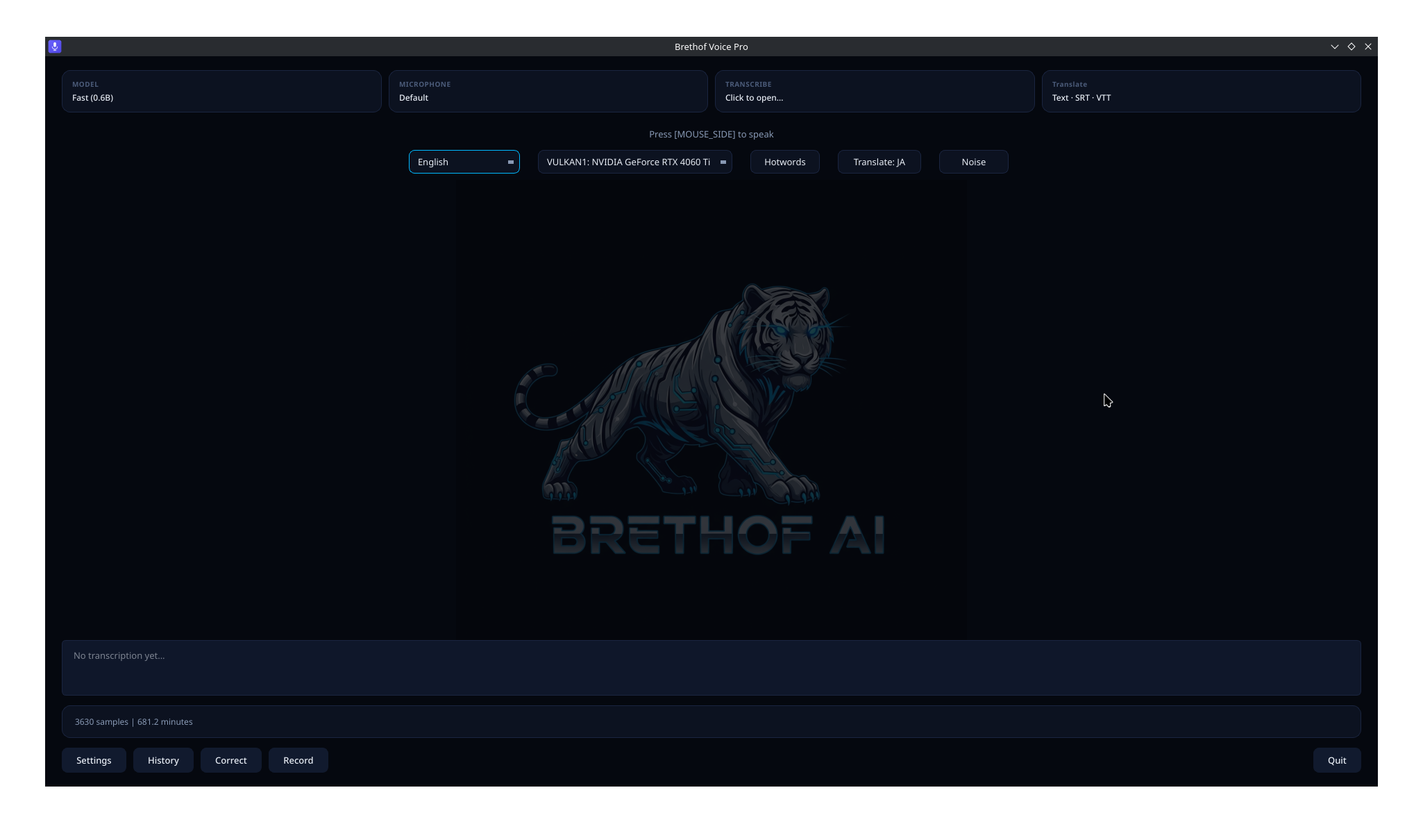
Your command center
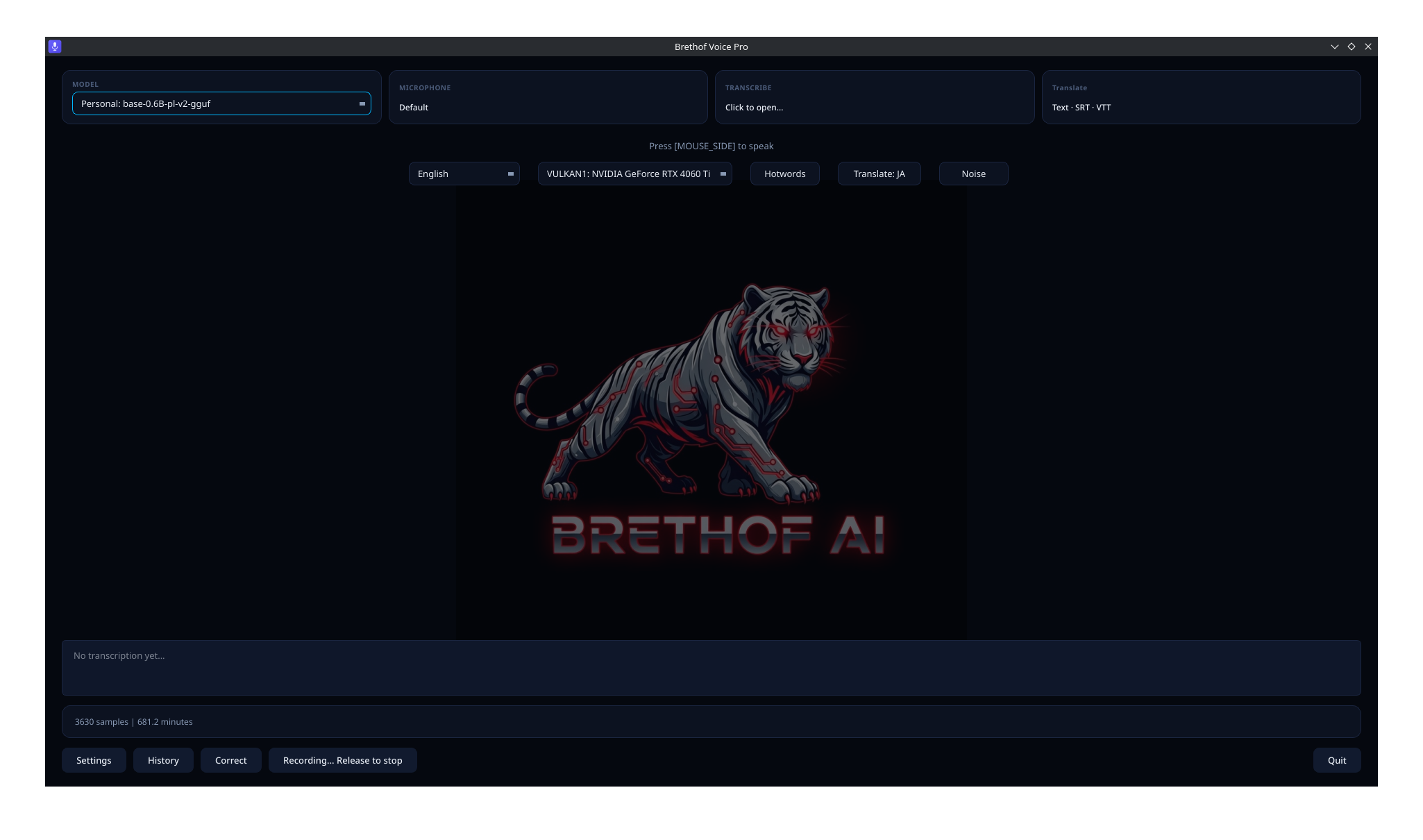
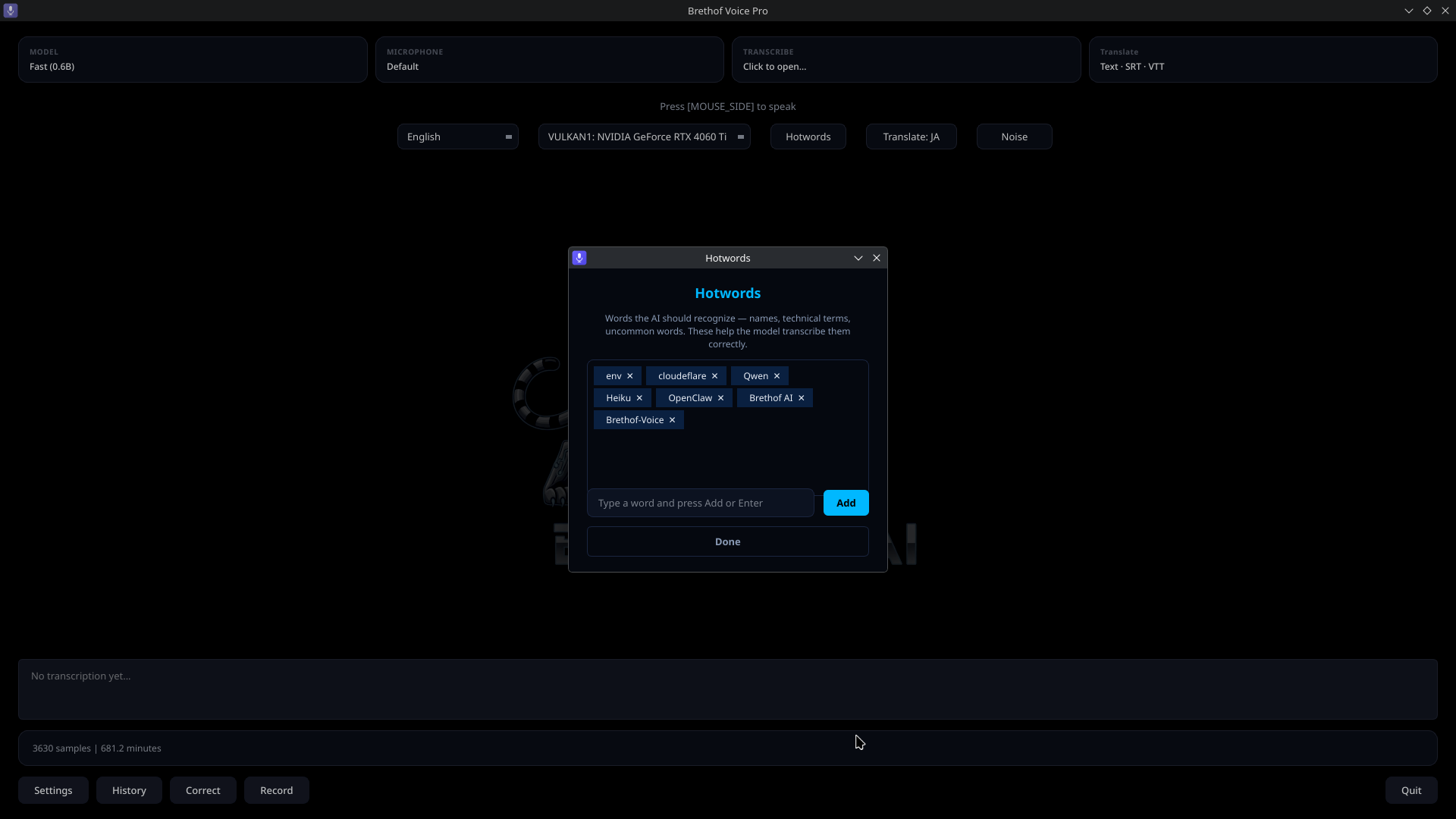
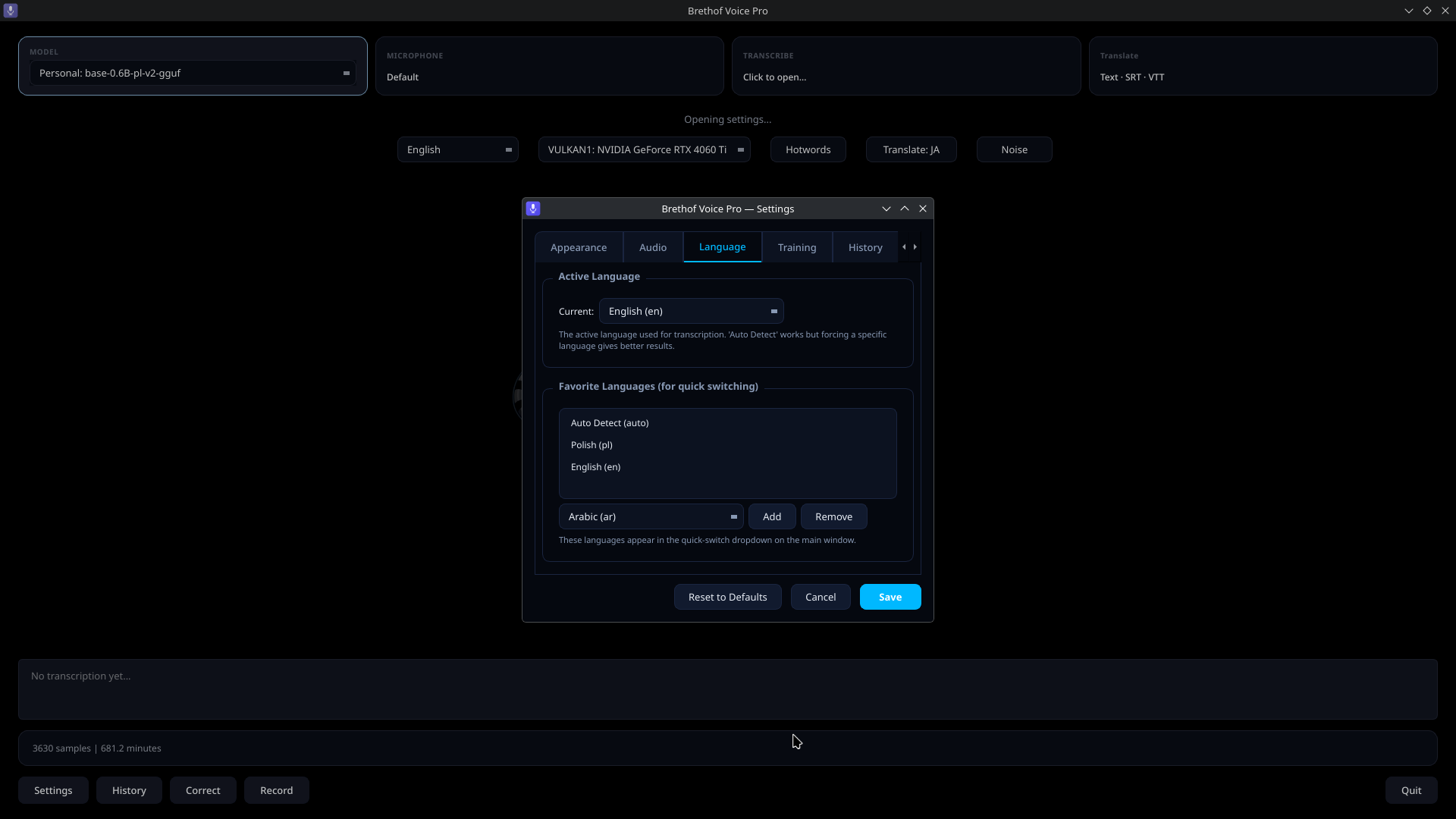
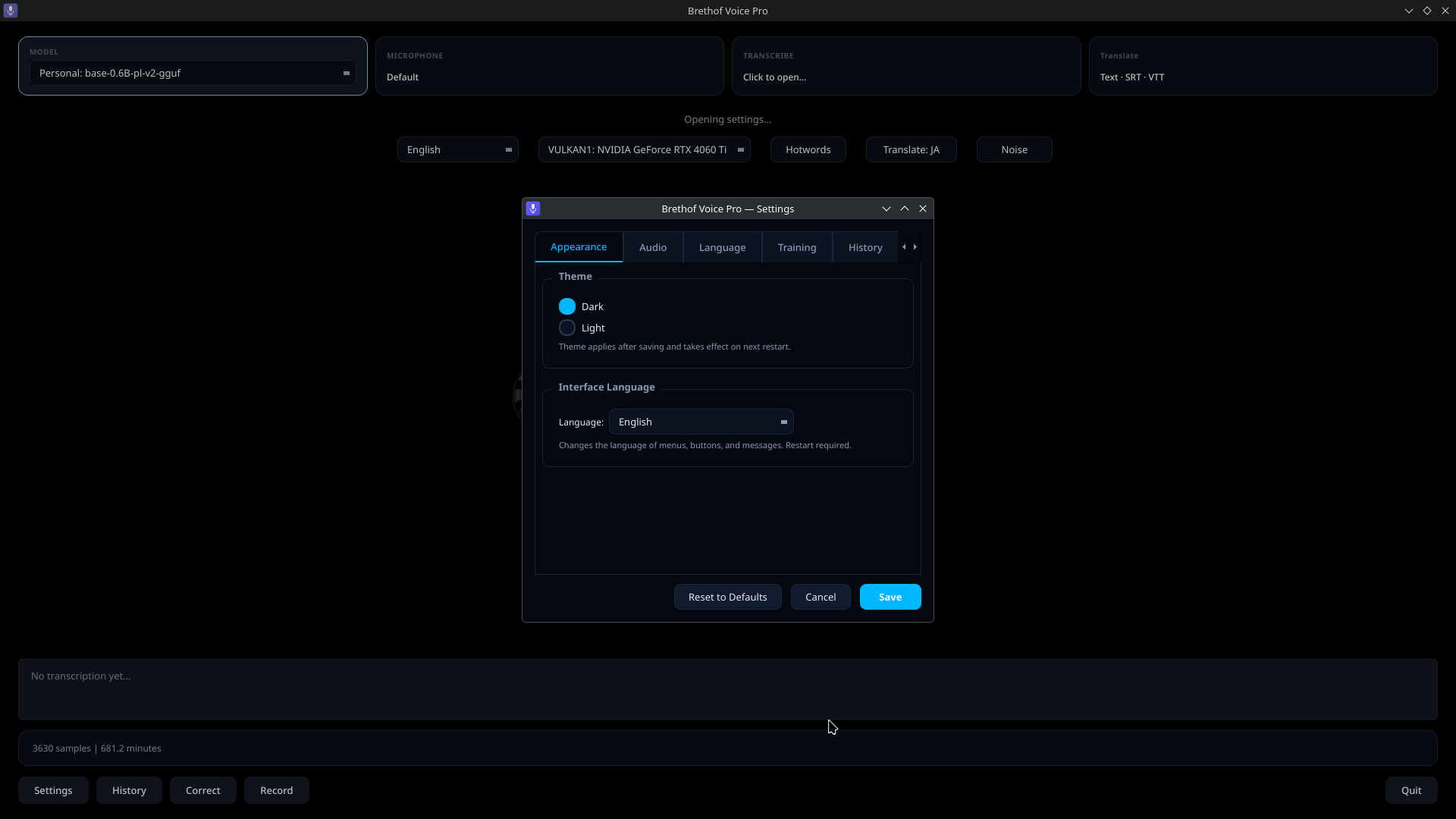
The main screen puts everything within reach. Switch microphones, swap between six AI models of varying speed and accuracy, and change languages — all without opening a menu. A quick-access hotwords button lets you add domain-specific terms on the fly.
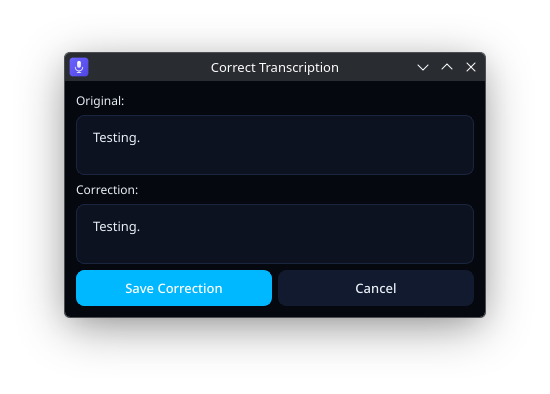
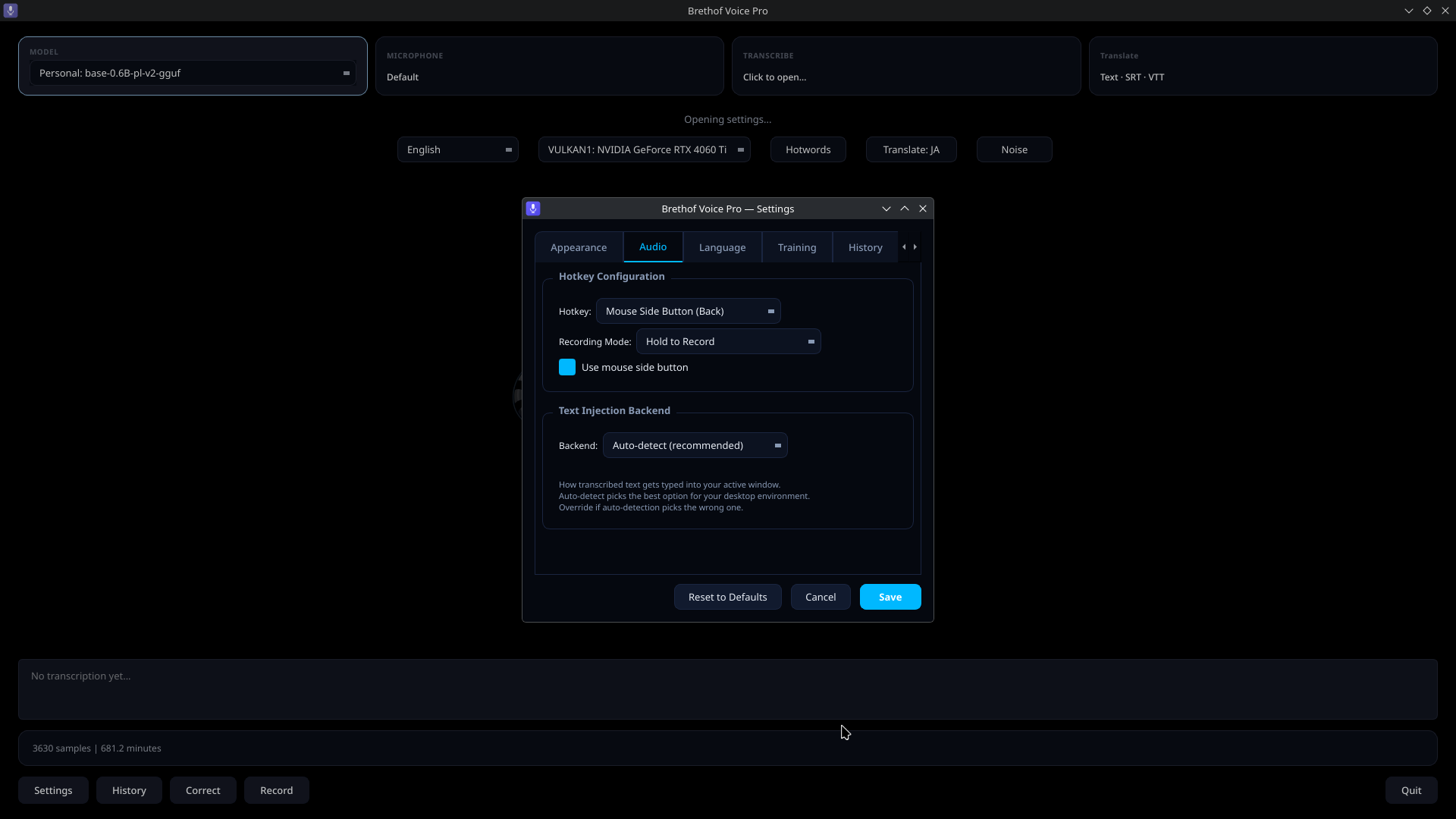
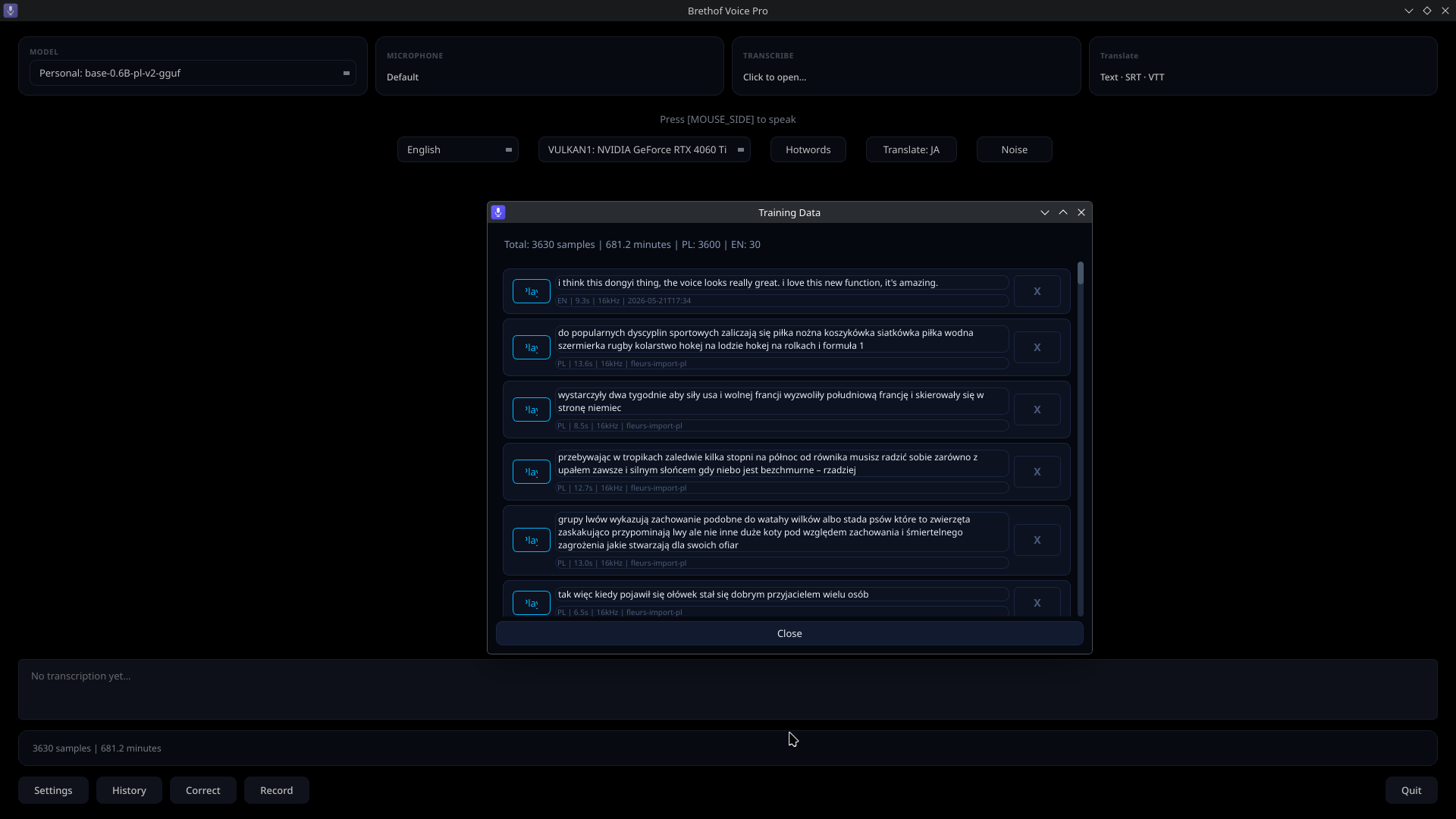
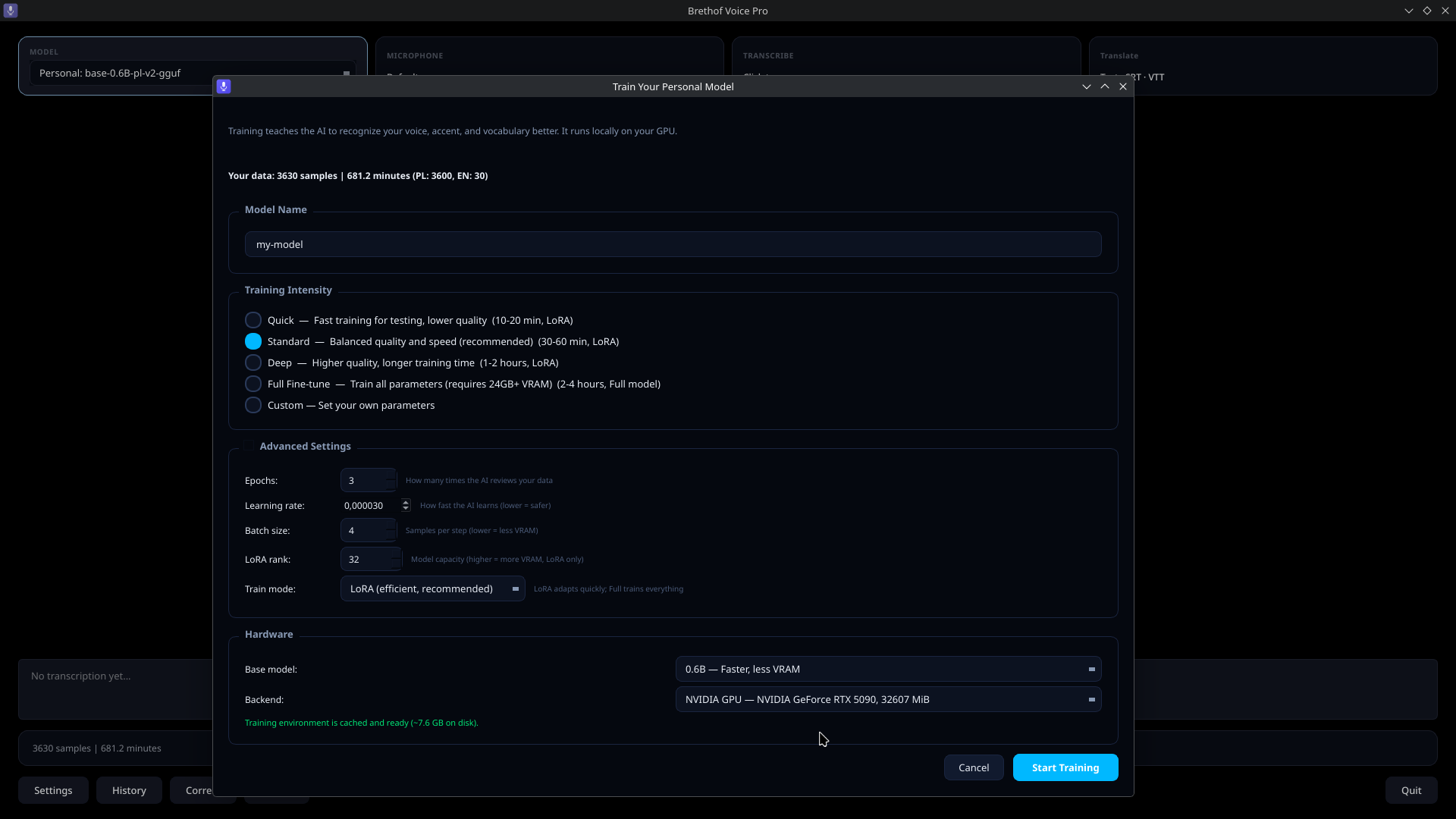
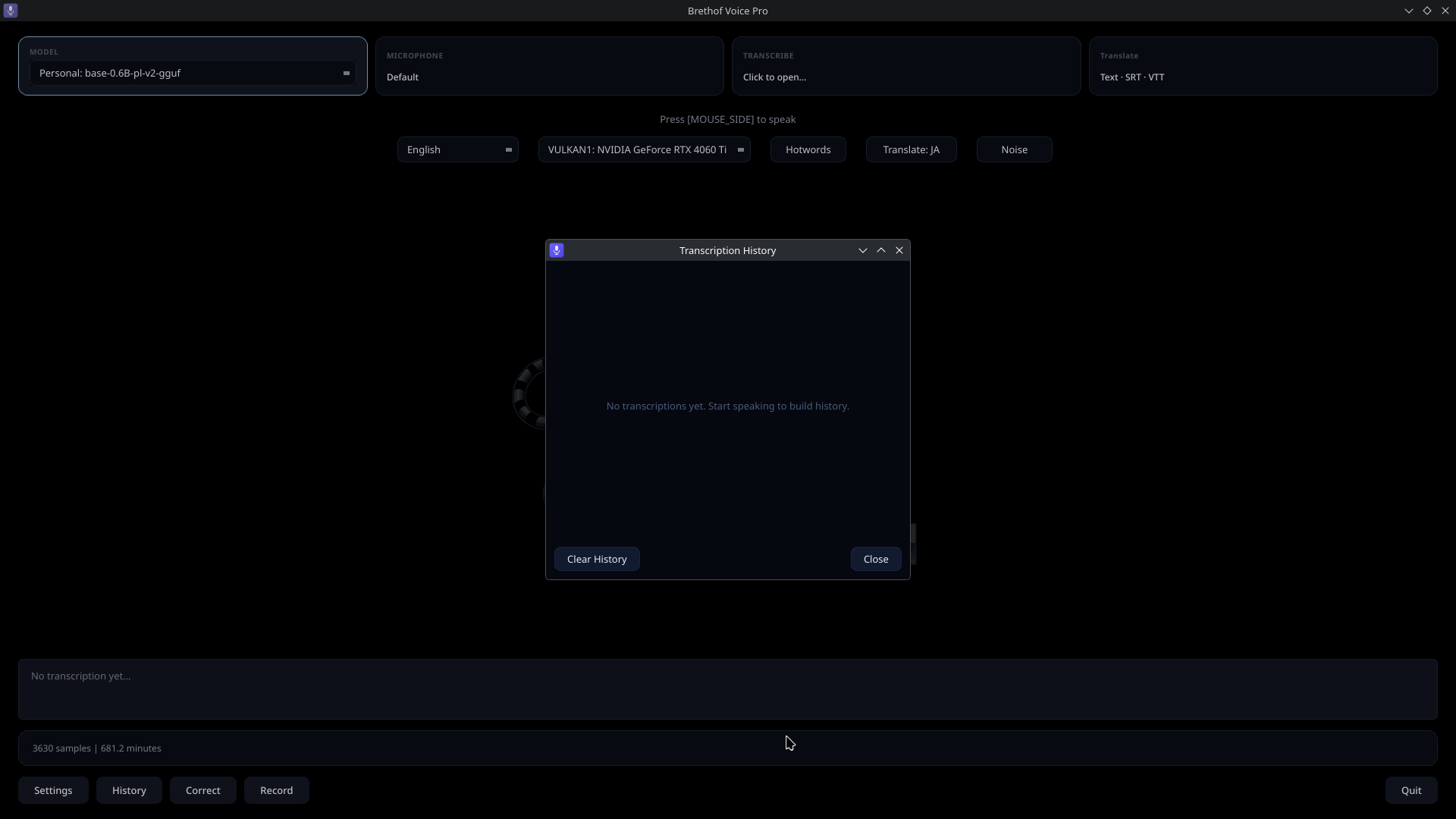
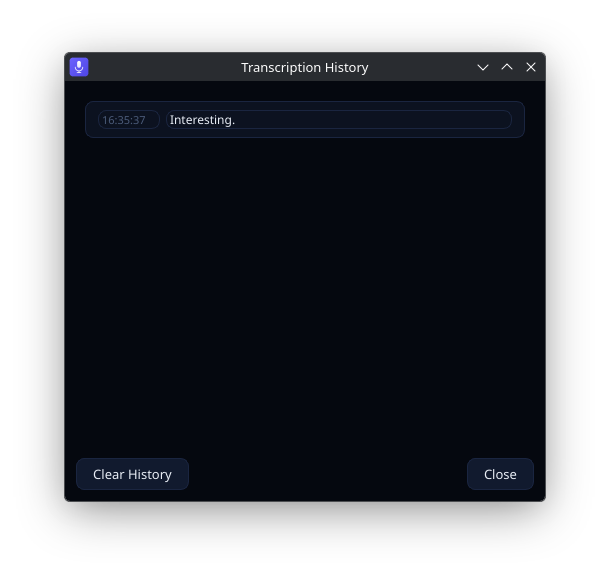
The last transcription is always visible at the bottom, alongside a sample counter showing how many voice recordings you have stored for personal model training. From here you can open Settings, view History, correct the last transcription, or start recording with a single click.
Closing the window hides the app to the system tray — it keeps running in the background, ready the moment you press your hotkey.